 DockRoom
デモ(PCがなくても試せるお試し部屋)
DockRoom のスマホアプリで、接続画面の「QRコードをスキャン」から下のQRコードを読み取ると、デモが開きます。 接続画面の「PCがなくても試す(デモ)」からも開けます。
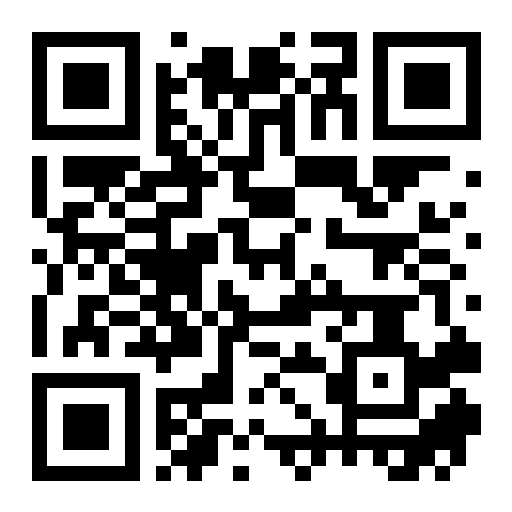
- サンプルのルームとメッセージが入った部屋で、送信・写真の添付・編集・ピン留め・検索・ルームの追加を試せます
- デモのデータは端末のメモリの中だけにあり、デモを終了すると消えます。外部への通信はありません
- 実際に使うには、PCに DockRoom Windows 版 を入れて、PCに表示されるQRコードを読み取ります
このページはスマホのカメラで読み取ったときの案内です。デモはアプリの中で開きます。
Demo (try it without a PC)
Scan the QR code above with the DockRoom phone app (connect screen → 「QRコードをスキャン」 / Scan QR code) to open a demo. You can also open it from 「PCがなくても試す(デモ)」 (Try without a PC) on the connect screen.
- A sample workspace with rooms and messages lets you try sending, attaching photos, editing, pinning, searching and adding rooms.
- Demo data exists only in the device's memory and is discarded when you exit the demo. Nothing is sent anywhere.
- To use DockRoom for real, install the DockRoom Windows app and scan the QR code shown on your PC.